
The moment a computer stops turning on is the moment most people assume the worst. Years of photos, documents, saved passwords, and work files, all flashing before your eyes as you press the power button one more time and nothing happens.
Here's something worth knowing before you panic: a computer that won't turn on isn't the same thing as a computer with lost data. Those are two separate problems, and they don't always go together.
"Dead" is not a diagnosis
Your computer won't turn on. Before you assume the worst, know this: "dead" describes what you're seeing, not what's actually wrong, and the real cause could sit anywhere from a five-minute fix to something more serious.
Sometimes the fix is straightforward: a faulty power switch, a charging port that's no longer making proper contact, or a battery that's completely discharged and won't hold a charge anymore. The machine looks dead, but the problem has nothing to do with your files. It's a mechanical or electrical issue, and once that's resolved, everything inside is exactly as you left it.
Other times, the screen itself has failed. The computer is actually running but not showing you anything. You might hear the startup sounds or see the keyboard backlight come on, but the display stays dark. Again, your data is almost certainly untouched.
A more involved scenario is an operating system failure, where the computer powers on but can't complete the startup process. You might see an error message, a spinning wheel that never stops, or a screen that goes black partway through loading. This one takes more work to diagnose, but it still doesn't automatically mean your files are at risk.
When the hard drive is actually the problem
Hard drive failure is the scenario most people are imagining when they picture data loss, and it's the most serious on this list. A hard drive stores your files on magnetic platters or memory chips, and when it develops enough damage to stop functioning, it can take your data with it, sometimes without warning.
Even then, the situation isn't always hopeless. A drive that's failing but not completely gone may still allow a technician to pull most or all of your data before things get worse. The sooner it's looked at, the better the odds.
The silver lining most people don't know about
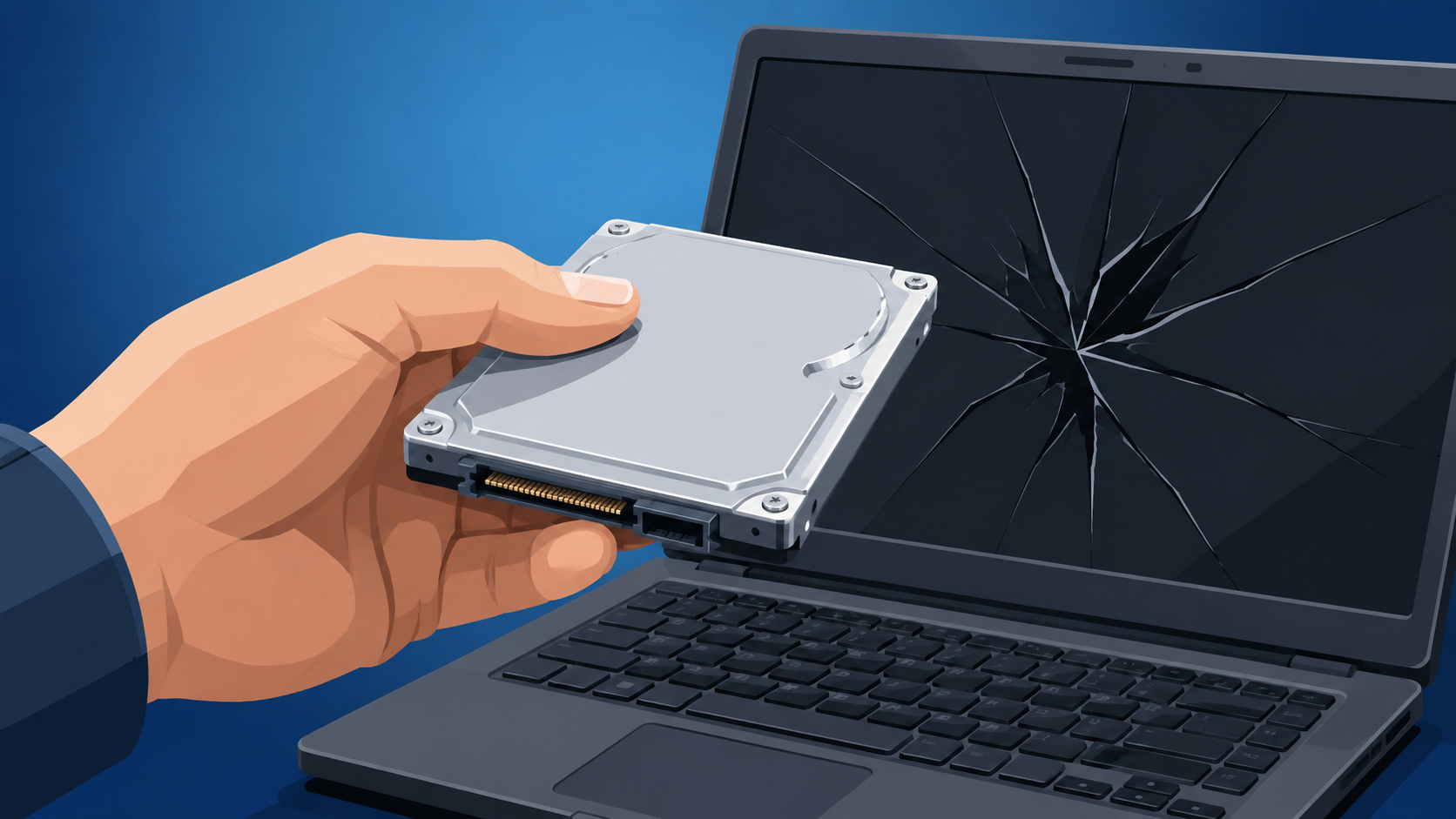
Here's what surprises a lot of people: even when the hardware around the drive has completely failed, the drive itself is often fine. A laptop with a faulty motherboard, a desktop with a dead power supply, or a machine that took a knock and stopped working. In many of these cases, the storage drive can be removed and connected to another computer to retrieve everything on it.
"Dead computer" and "lost data" aren't the same sentence, and one can be true without the other.
What not to do
The instinct to keep pressing buttons, try a different charger, or look up a YouTube fix is understandable, but it can make things harder to resolve. If there's any chance the drive itself is struggling, continued attempts to power the machine on can cause further damage. The same goes for taking the machine apart if you're not sure what you're doing.
What to do instead
A dead computer feels like proof your data is gone. It usually isn't.
Here's what most people don't know. The drive that holds your files is often the one part that still works, even when everything around it has failed. A blown power supply or a cracked screen says nothing about what's on the drive itself.
The old way is to keep pressing buttons and hope.
The new way is to stop touching it and let someone actually look.
The fix is simple. Stop pressing buttons and stop guessing. Every extra attempt to power on a struggling drive makes recovery harder, not easier.
Bring it in before you try anything else. A five-minute diagnosis will tell you more than a week of guessing ever will.
Most of the time, the news is better than you expect.
👉 New to Borked PC? Start by filling out our quick Right Fit Questionnaire to see if Borked PC could be the right IT and Cybersecurity Partner for you.
📞 Or schedule a free 15-minute call at a time that works for you: Book a call
Prefer to talk now? Give us a call at (610) 599-6195.