
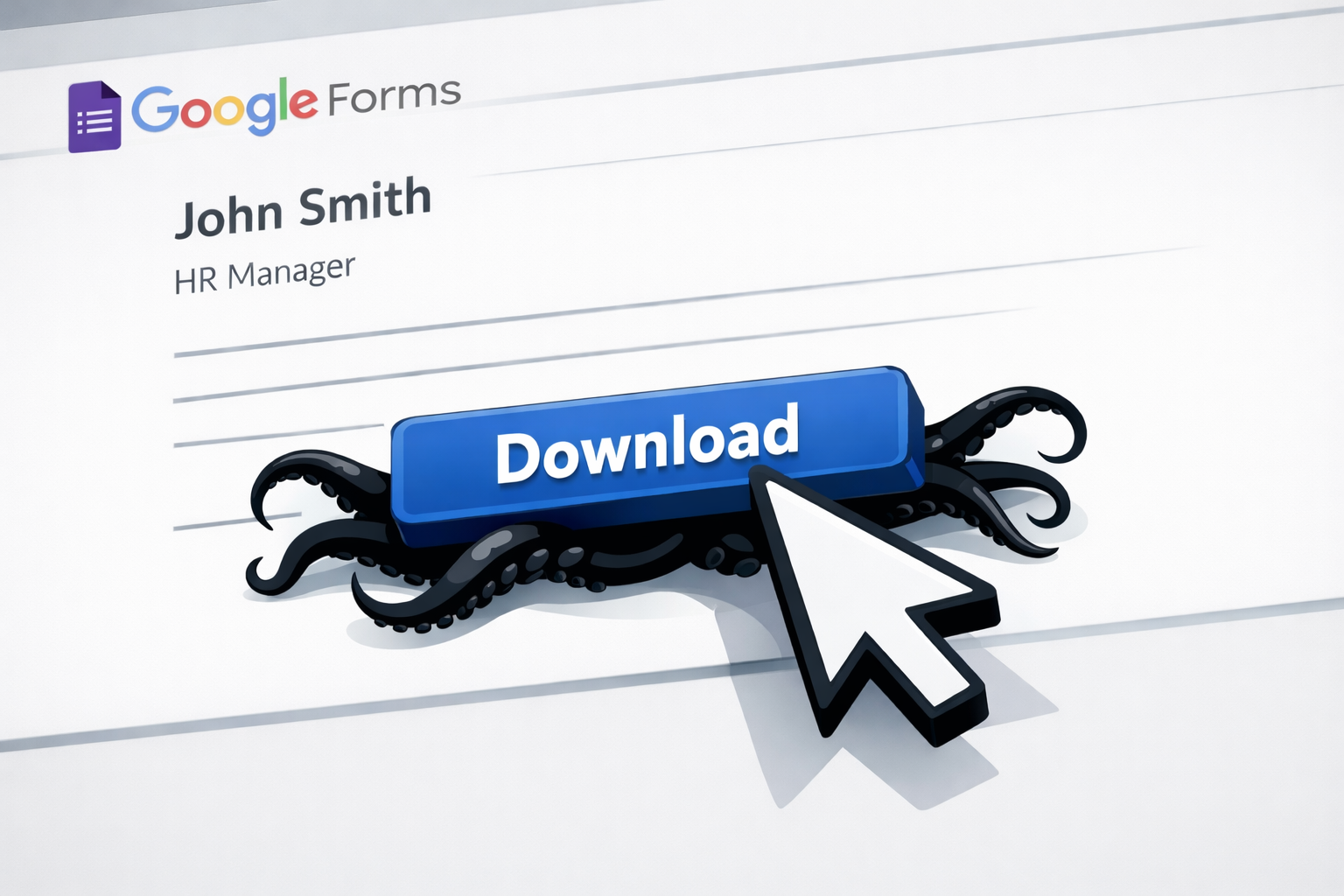
A job opportunity turns up in your inbox, in a LinkedIn message, or on a Facebook group you follow. It looks legitimate: a Google Form, a recognizable company name, a professional logo. You fill in your details, download what appears to be a contract or project brief, and within seconds your device is quietly compromised, with no warning and no obvious sign that anything went wrong.
This is a real attack pattern that's been identified by security researchers, and it's worth understanding exactly why it works so well.
Why this scam is so hard to spot
Most people know to be suspicious of random email attachments or sketchy download sites. This attack sidesteps all of that by looking completely normal at every stage.
It starts with a platform you trust. Google Forms is used by schools, employers, and businesses every day, so landing on one doesn't set off any alarm bells. The form itself asks for professional information: your work history, your experience, your background. That's exactly what a real recruiter would ask for, so filling it in feels completely reasonable.
Then comes the download. In a genuine hiring process, it's common to receive a contract to review, a role overview to read through, or a brief to look at before an interview. Downloading a file feels like a normal next step, not a trap.
The files are named to match the situation too, using real company names from well-known industries such as finance, logistics, and technology. Nothing about the experience feels out of place until it's too late.
What the file actually does
The ZIP or RAR file you download contains a hidden malicious program. Once you open it, it installs itself quietly in the background and gives the attacker remote control over your device.
From that point, they can run commands on your computer without you knowing; collect your passwords, saved browser data, and any crypto wallet details; and pull information from apps such as Telegram. They can also install additional tools to dig deeper over time, and the infection is designed to survive a restart, so simply turning your computer off and on won't remove it.
You likely wouldn't notice any of this happening. There's no pop-up, no obvious slowdown, and no message telling you something is wrong.
How to spot it before you click
A few things should make you pause before you download anything:
The download is a ZIP or RAR file, not a straightforward PDF or Word document. Legitimate employers don't typically send compressed archives as part of an initial application process.
The link goes to a file-sharing site you haven't heard of, or it's hidden behind a shortened URL that doesn't show you where it actually leads.
The opportunity came out of nowhere, especially if you didn't apply for the role and the contact isn't someone you know.
If any of these apply, it's worth stopping before you click.
What to do instead
Go to the company's real website and search for the role to confirm it actually exists. If you can't find it there, that tells you everything. If you're unsure, call the company directly using the contact details on their official site, not the number or email provided in the form.
Never download a file from a form you weren't expecting, even if the form looks professional and the company name is familiar.
If you've already opened a suspicious file and something feels off with your device, whether it's running slowly, behaving strangely, or showing activity you don't recognize, bring it in and we'll take a look. And if you'd rather not rely on spotting these things yourself, there's a better option. We can install protection software on your device that catches malicious downloads before they ever have a chance to run, so even if you click something you shouldn't have, the threat gets stopped at the door.
This scam works because it looks normal. Trusted tools. Real company names. Zero red flags until the damage is done.
Most people think danger looks sketchy. It does not. The real risk hides inside routine steps you have done a hundred times.
Old thinking is avoid shady links. New thinking is question anything you did not ask for.
Here is a 5 minute move you can do today.
Open your inbox and messages. Pick one job, form, or file you did not expect. Verify it on the company’s real website. If it is not there, delete it. Done.
Protection is not about perfect behavior. It is about assuming mistakes happen and blocking the fallout.
That is where Borked PC comes in. We stop malicious downloads before they run, even when they look legit. No panic. No cleanup after the fact.
👉 New to Borked PC? Start by filling out our quick Right Fit Questionnaire to see if Borked PC could be the right IT and Cybersecurity Partner for you.
📞 Or schedule a free 15‑minute call at a time that works for you: Book a call
Prefer to talk now? Give us a call at (610) 599‑6195.