
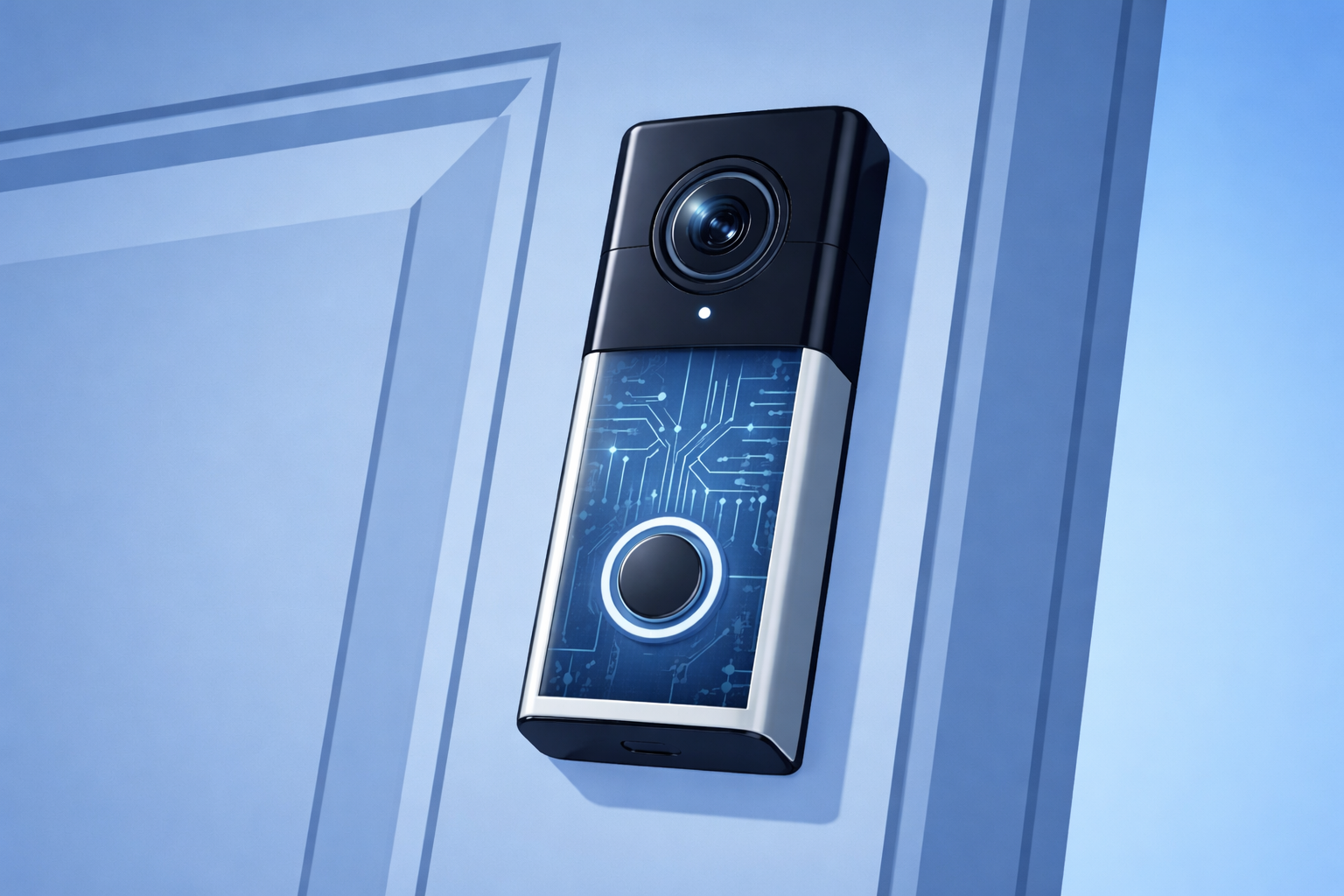
Most people install a door camera and move on. It works, alerts come through, and it fades into the background.
What often gets missed is that this small device at the front door is not just a camera but also a computer. It runs software, stays online, sends data out, and lives on the same network as everything else in the home or business.
Once it is working, it is rarely looked at again. That is what makes it worth paying attention to.
What the Device Does in Practice
A door camera does more than record short video clips.
It logs motion activity, timing patterns, lighting changes, and how often alerts are triggered or ignored. That information is sent to cloud systems, so notifications feel fast and accurate.
Most owners see only the final alert on their phone. The rest of the activity stays out of sight.
How It Lives on Your Network
Once installed, a door camera stays powered and connected at all times. It runs vendor-managed software and relies on an online account that often remains long after the original setup.
From a technical standpoint, it behaves like any other internet-connected device on the network. The difference is that it rarely gets revisited or questioned once it is working.
In homes, it blends into everyday life. In businesses, it is often not treated as part of the IT environment at all.
Where the Data Sits
Footage and related data are stored and processed off-site. Access is controlled by account settings, app permissions, and provider policies rather than anything physically located at the door.
Over time, people often lose clarity around who owns the account, who can view footage, and how long information is kept. Those details usually only come up when something changes later.
Law Enforcement Use Is Now Routine
Door camera footage is regularly used in investigations. In certain situations, providers can share footage under emergency disclosure policies without notifying the owner.
This is part of how these platforms operate today. It is not unusual or hidden, but many people only become aware of it when they see it reported or experience it indirectly.
Devices That Get Left Behind
Many door cameras were installed by someone who is no longer involved: a past partner, a site manager, or a contractor.
The device keeps running, so it is left alone. Over time, nobody is quite sure who controls it, who still has access to it, or whether the setup still matches how the space is used.
That uncertainty tends to surface later, not at the point of installation.
What Can Be Adjusted
Most risk comes down to default settings and lack of visibility.
Changes such as turning on end-to-end encryption, separating cameras onto their own network, reviewing app permissions, and confirming account ownership all reduce exposure. These are straightforward adjustments, but they rarely happen unless someone deliberately looks.
Where This Gets Addressed
Questions about door cameras usually surface during Wi-Fi issues, network changes, or general IT clean-ups. That is when it makes sense to look at everything that is connected, not just computers and phones, and to check who can access such devices.
Most people treat door cameras like set it and forget it tools, but the real risk shows up when nobody knows who controls them anymore. The fix is simple. Get eyes on the settings, the account, and the network before a problem forces you to.
Here is the insight that matters. The old way was hoping the defaults were fine. The new way is taking five minutes to confirm who owns the device and what it can see. That tiny check cuts most of the risk right away.
Your five minute challenge today. Open the camera app, find the account owner, and review who has access. If you cannot answer that in one look, it is time for a deeper check.
If you want help making sure nothing on your network is running blind, here is the next step.
👉 New to Borked PC? Start by filling out our quick Right Fit Questionnaire to see if Borked PC could be the right IT and Cybersecurity Partner for you. Right Fit Questionnaire
📞 Or schedule a free 15 minute call at a time that works for you: Book a call
Prefer to talk now? Give us a call at (610) 599‑6195.