
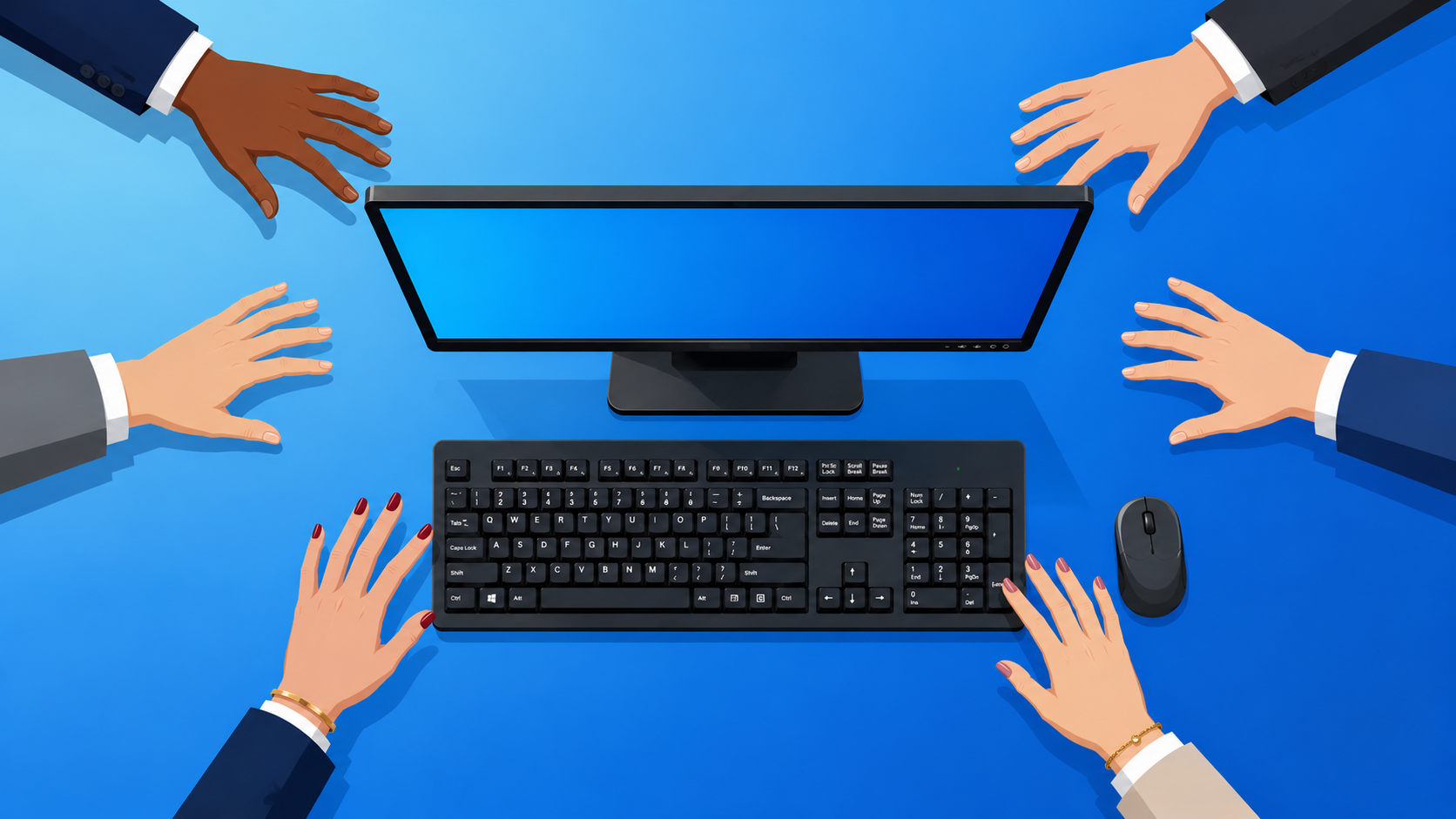
There is one computer in most small businesses that gets touched by more people than any other, sits in a semi-public space, runs on software nobody fully remembers installing, and has never been formally added to anyone’s security checklist. It’s the front desk machine, and the reason it is overlooked is exactly what makes it worth paying attention to.
Nobody owns it, so nobody manages it
The receptionist uses it, but so does the manager who needs to “just quickly check something,” the sales rep covering the desk at lunch, and occasionally a client who has been handed the keyboard to type in their own details. Because it belongs to everyone, it effectively belongs to no one, and that means decisions about updates, software, and access tend to get made by default rather than by design.
These machines accumulate software gradually over years: a delivery company’s signing app from a previous supplier; a browser extension someone added to print labels; a driver for a printer that was replaced two years ago. Updates get deferred because the desk needs to stay available, and nobody ever circles back. Antivirus may be installed (probably the version that came free with something else), but nobody is watching it.
What is actually stored on that machine
The more interesting problem is what the machine holds. Every person who has ever logged into a system from that computer and clicked “remember me” has left a credential sitting in the browser. Supplier portals, booking systems, cloud platforms, and accounting tools, are all potentially accessible to the next person who opens a browser tab. Alongside that are the files: quotes, invoices, delivery notes, and client records opened quickly and never cleaned up, sitting in the downloads folder or still cached in the browser.
In many cases the machine also has broad network permissions, because at some point someone needed access to a shared drive from the front desk and the easiest solution was to give it everything rather than configure it properly. That decision was made years ago and has not been revisited since.
The external access problem
Most business computers are only ever touched by staff. The front desk machine is different in that the people touching it include delivery drivers, visitors, and clients, sometimes without much supervision. Handing a keyboard to a client so they can type their email address is a habit that feels completely harmless, and in isolation it usually is. The issue is that the machine is already in a weakened state, and each casual interaction with someone outside the business adds a layer of exposure that would not exist on a device that stayed behind closed doors.
The physical position matters, too. A screen facing an open reception area and left unattended during a busy moment, shows more to a passing visitor than most business owners would be comfortable with.
The fix is straightforward, but someone has to own it
The front desk machine does not need special treatment; it needs the same treatment as every other device in the business. That means managed updates, a reviewed software inventory, cleared browser credentials on a schedule, and permissions set to what the role actually requires rather than whatever was easiest to configure at the time.
Here's the point worth sitting with. The most exposed computer in your building is probably the one nobody thinks about. Not the server. Not the owner's laptop. The one at the front desk that everyone touches and no one owns.
The old way: protect the "important" machines and let the shared one fend for itself.
The new way: the machine with the most hands on it gets the most attention, not the least.
Your five-minute move is simple. Walk to the front desk, open the browser, and look at the saved passwords list. Count how many logins are sitting there for anyone to use. That number is your wake-up call.
Then hand the problem to Borked PC. We'll put that machine under proper management, clear out years of leftover software and credentials, and lock permissions down to what the role actually needs.
👉 New to Borked PC? Start by filling out our quick Right Fit Questionnaire to see if Borked PC could be the right IT and Cybersecurity Partner for you.
📞 Or schedule a free 15-minute call at a time that works for you: Book a call
Prefer to talk now? Give us a call at (610) 599-6195.