
The tap that shares more than you realize
You download a new app, open it for the first time, and a pop-up appears: "Allow this app to access your contacts?" Most people tap "Allow" without a second thought. The app seems to need it for something, and it takes less effort to say yes than to wonder why.
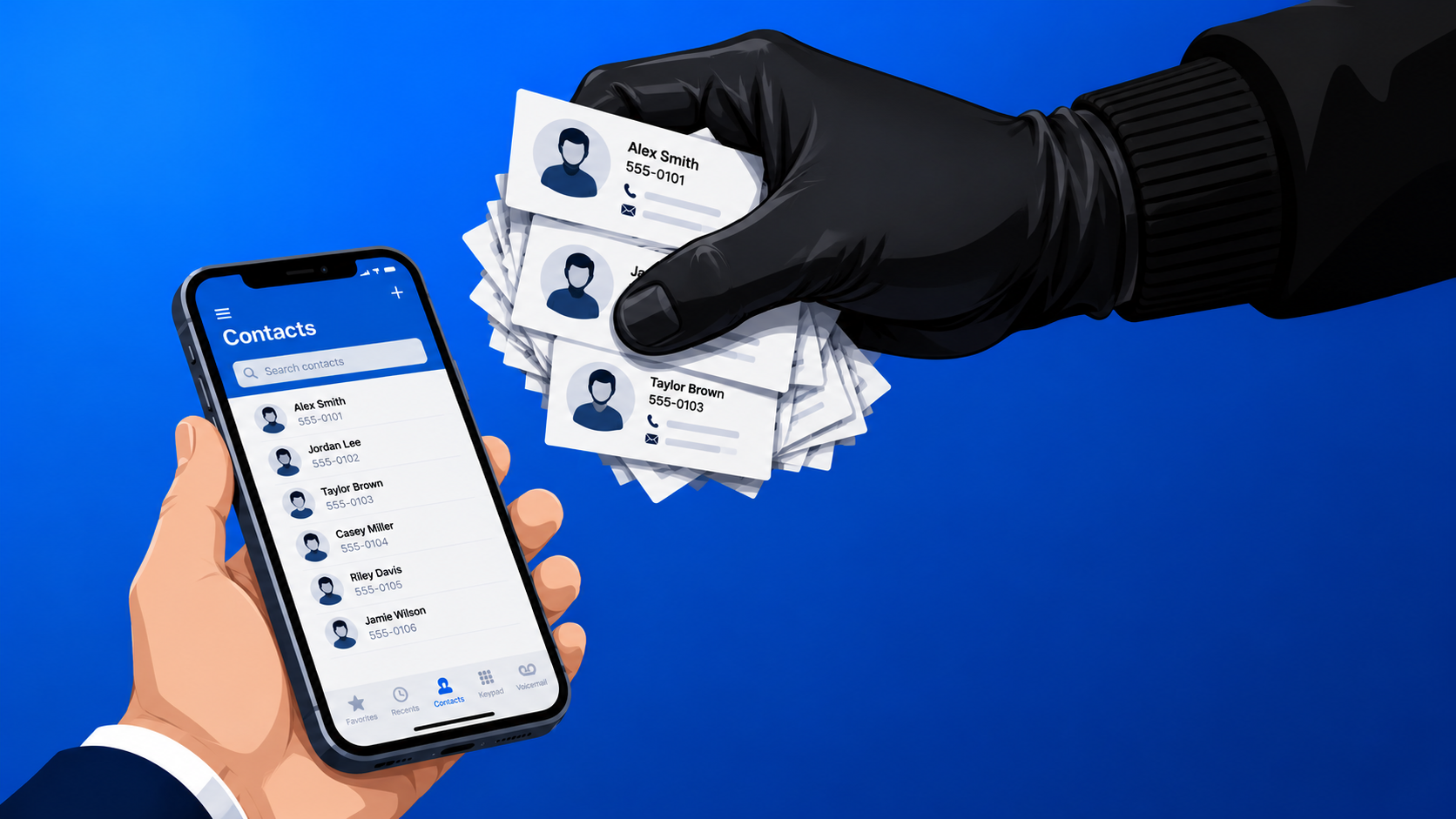
But that tap shares a lot more than most people expect. Your contacts list isn't just your information; it's a collection of names, phone numbers, email addresses, and sometimes job titles belonging to people who never downloaded that app, never agreed to its terms, and have no idea their details just went with you.
What apps actually do with that data
The most common explanation apps give is that contact access helps you find friends who are already on the platform. Some apps genuinely do stop there, but many don't.
A significant number of apps upload your entire contacts list to their servers the moment you tap "Allow," regardless of whether you ever use the friend-finding feature. That data gets used to build a detailed map of who knows whom, sometimes called a "social graph," which helps platforms target advertising more precisely, including at people who've never even created an account.
In a number of well-documented cases, contact data has been sold to or shared with data brokers, companies that compile detailed profiles on individuals from dozens of different sources. Your doctor, your boss, your elderly parent: anyone in your list could end up in one of those profiles without ever knowingly interacting with the app.
The angle most people don't consider
Most privacy conversations focus on what apps know about you. The contacts issue is different because the people most affected are not you but everyone on your list, and they never had a choice in the matter.
When you tap "Allow," you're making a privacy decision on behalf of other people. That's worth sitting with for a moment, because it changes how you think about the permission prompt next time.
How to check what you've already allowed
It's straightforward to see which apps currently have access to your contacts and cut off the ones that don't need it.
On an iPhone, go to Settings, then Privacy and Security, then Contacts. You'll see every app that's been granted access. Tap any one to change it to "None" if there's no good reason for it to have that permission.
On Android, the path varies slightly depending on your phone's manufacturer, but you're generally looking for Settings, then Apps, then Permissions, then Contacts. Some versions have a dedicated Privacy section or Permission Manager that shows the same information in a cleaner layout.
Go through that list with a critical eye. A weather app, a shopping tool, a photo editor: none of these have a legitimate reason to read your contacts, and if they're on that list, you can safely remove their access right now.
A simple test for future permission prompts
Before tapping "Allow" on any permission request, ask yourself one question: what would this app actually lose if I said no? For most apps, the honest answer is very little. If you decide later that you want to grant access for a specific feature, you can turn it on manually. Turning it off after the fact is something most people never remember to do.
Most people think about app permissions the wrong way. They ask, "does this app seem trustworthy?" when the right question is, "what happens to the 200 people in my contacts if I tap Allow right now?"
The permission prompt is not about you. It never was.
The action step takes less than five minutes: open your phone, go to your contacts permissions list, and remove access from anything that has no clear reason to have it. Do it today, before the next app asks and the habit kicks in again.
At Borked PC, we help businesses think through the same problem at scale. Staff devices, shared accounts, app policies, and mobile device management all affect how much contact and company data leaks quietly in the background. Most businesses have no idea what permissions are active across their fleet until someone asks. We can tell you exactly what's running, what it has access to, and what needs to change.
👉 New to Borked PC? Start by filling out our quick Right Fit Questionnaire to see if Borked PC could be the right IT and Cybersecurity Partner for you.
📞 Or schedule a free 15-minute call at a time that works for you: Book a call
Prefer to talk now? Give us a call at (610) 599-6195.