
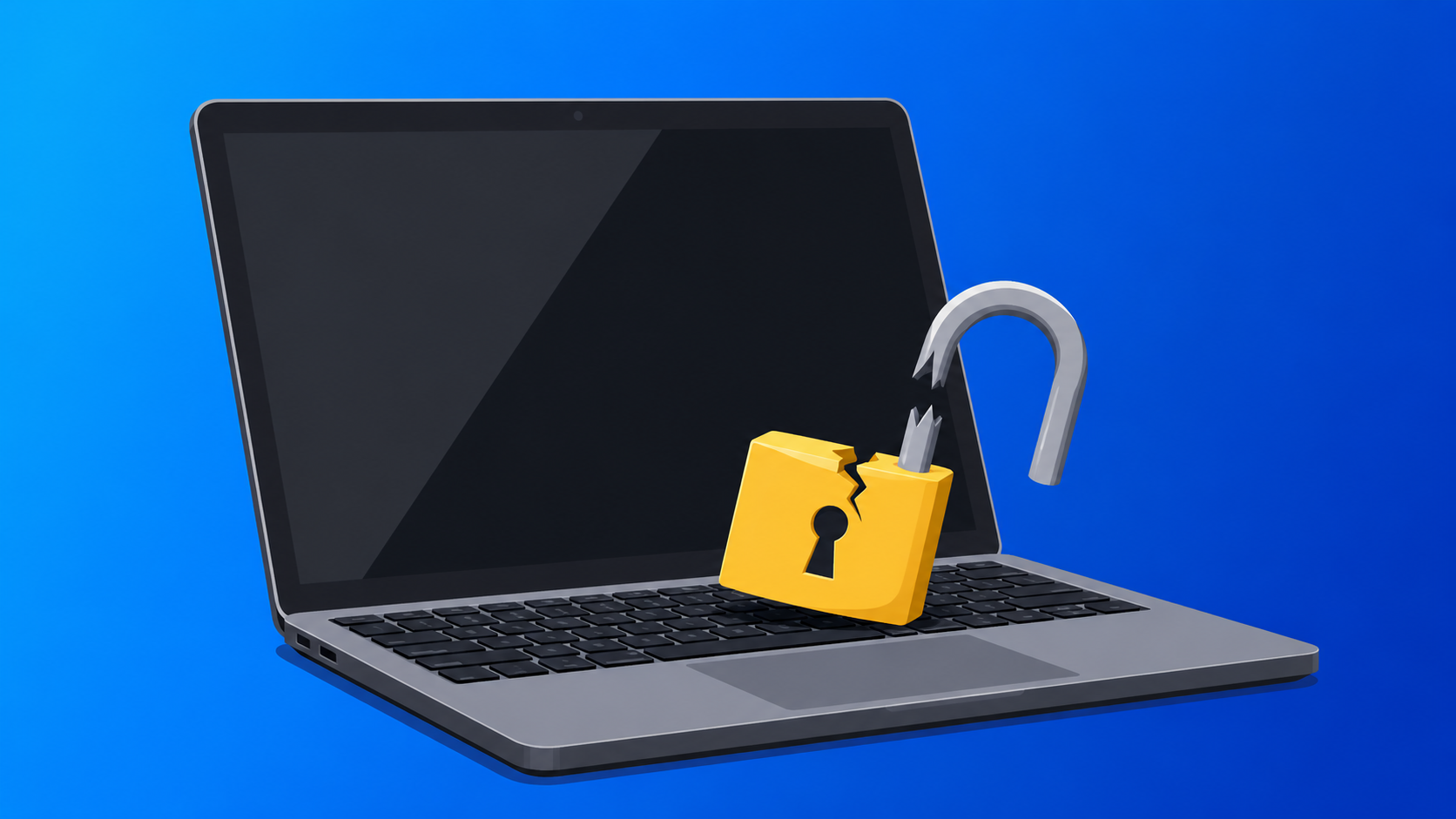
A laptop disappears over a long weekend, a filing cabinet has been forced, and by Monday the police report is filed, the insurance claim is underway, and the focus is on replacing what was taken. Most business owners treat this as a property crime, replace the equipment, and once the replacement device arrives, and move on.
What they rarely consider is that the moment a device containing client or staff data leaves their control, the business may be obliged to process not only an insurance claim but also a data breach notification.
The legal distinction most businesses miss
Data breach notification laws do not distinguish between a hacker accessing your systems remotely and a person physically walking out with a device that holds the same data. The trigger is whether personal information was, or is likely to have been, accessed or disclosed without authorization. A stolen laptop containing client records, payroll data, or health information can meet that threshold whether or not anyone ever powers it on.
Most businesses associate data breaches with cyberattacks, but the law looks at the data, not the method used to reach it, and physical access is no exception.
What a physical incident can actually expose
The scope depends on what was accessible and how devices were configured. An unencrypted laptop protected by nothing more than a login password is effectively an open filing cabinet; anyone with the device and basic recovery tools can access its contents. A shared workstation left logged in and accessed during a break-in may have exposed everything the last user had open. A USB drive plugged into a machine that was tampered with and returned before anyone noticed introduces a different problem: the business may never know what was copied or installed.
Paper records carry the same obligations as digital ones: printed client details, unshredded documents, and signed contracts in an accessible drawer all count if they were reachable during the incident.
The gap in how most businesses think about security
Most small businesses have put genuine effort into their cybersecurity: antivirus software, spam filtering, and maybe multi-factor authentication on key accounts. Almost none of that addresses what happens when someone physically enters the building.
The gap is not that businesses have no security but that their security was designed entirely around online threats. A physical incident exposes the parts that were never configured with this scenario in mind.
What we can put in place to limit the damage
A TSP cannot stop a break-in, and physical access control sits outside our scope. What we can do is configure your devices and systems so that a physical incident does as little damage as possible.
Encryption means a stolen laptop is unreadable without the correct credentials, regardless of what recovery methods are tried. Remote wipe capability means a missing device can be cleared before anyone accesses what is on it. Access controls mean that an unlocked workstation reached during a break-in cannot be used as a doorway into broader systems or data. Audit logs mean you can answer the questions your insurer and legal team will ask: what data was on the device, what could it access, and was it encrypted?
These are not complex configurations but standard parts of a well-managed environment, and they are the difference between a break-in that costs you a laptop and one that costs you a breach notification process, client communications, and potential regulatory consequences.
The clock starts the moment you find out
Many breach notification frameworks require a response within 72 hours of becoming aware of an incident. That window assumes you already know what data was on the affected device, what systems it had access to, and whether encryption was in place. Businesses that cannot answer those questions quickly lose time they cannot recover.
Most businesses that get breached were not caught off guard by the attack. They were caught off guard by what they had not done yet.
The configuration that stops a stolen laptop from becoming a breach notification takes an afternoon to implement. Encryption, remote wipe, access controls, audit logs. These are not experimental tools. They are standard. The businesses that skip them are not saving money; they are transferring risk to the worst possible moment.
Here is the actionable step: pull out one laptop used by a staff member and ask three questions. Is the drive encrypted? Can it be remotely wiped? Do you know what data is on it? If any answer is unclear, you have found the gap.
A break-in is already stressful. Add a 72-hour breach notification window, client communications, and a regulator asking questions, and it becomes a different category of problem entirely. The fix is not complicated. It just has to happen before Monday morning.
👉 New to Borked PC? Start by filling out our quick Right Fit Questionnaire to see if Borked PC could be the right IT and Cybersecurity Partner for you.
📞 Or schedule a free 15-minute call at a time that works for you: Book a call
Prefer to talk now? Give us a call at (610) 599-6195.